No framework


We use React for our web navigator but if you don't use the same tools then read through the documentation below on how you can get started.

If you'd like proper typing then it's recommended to read the React tab and then try to implement the same in your own framework.

Starter kit

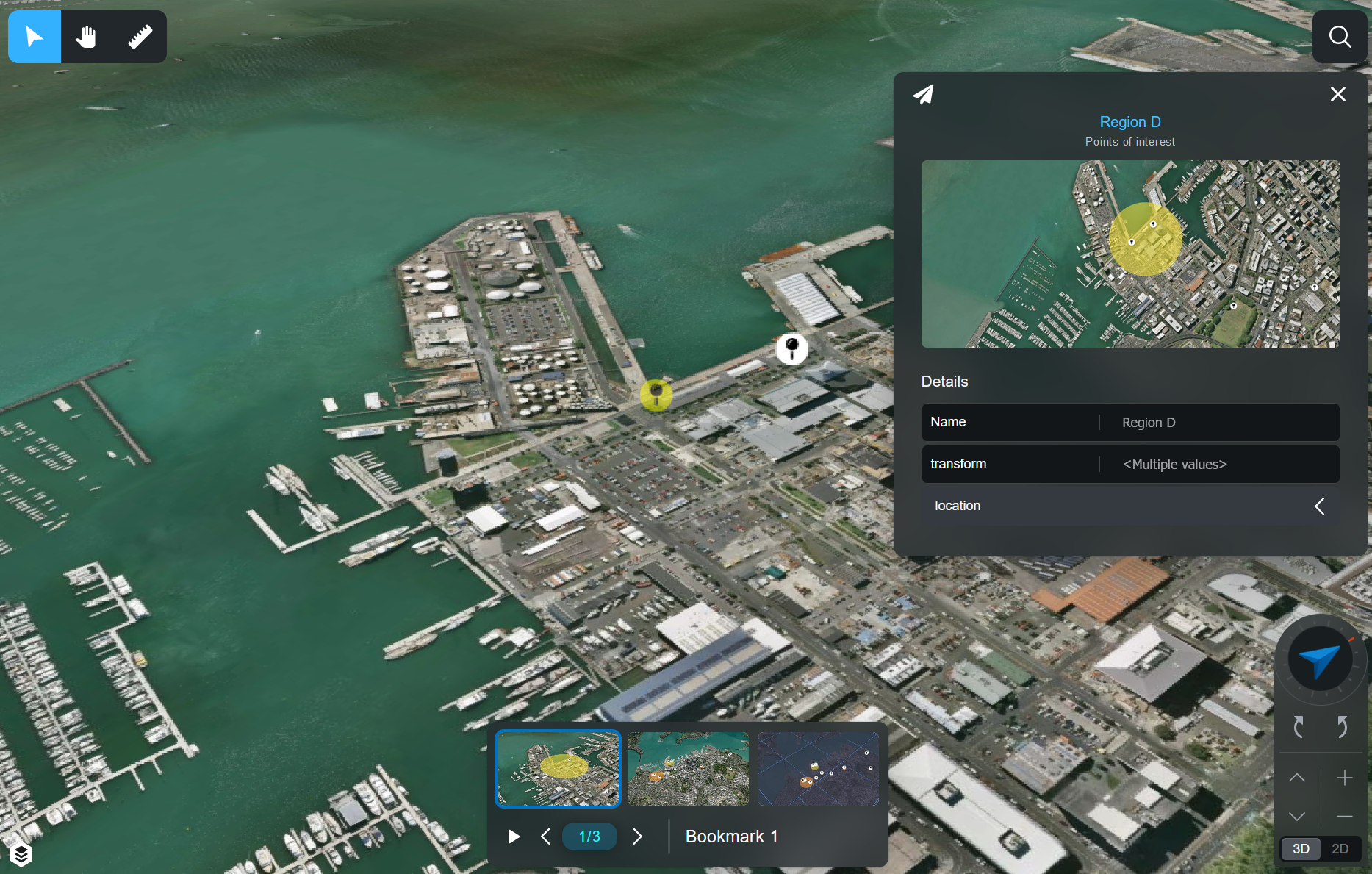
To give you something to try without any setup we've made a simple starter kit that you can double-click and run in your browser.

It will render a specific test bookmark.

Download starter kit

Just API communication

Just loading the communication end is very simple and only requires a single script tag. Once you have installed the NPM package you can copy the folder elsewhere if you wish.

Here is how you install the package.

npm i bruce-models

Here is how you load the package and test if it's loaded properly.

<!DOCTYPE html>
<html lang="en">
    <head>
        <title>Document</title>
        <!-- Ensure you've run that install command! -->
        <!-- `npm i bruce-models` -->
        <script src="./node_modules/bruce-models/dist/bruce-models.umd.js"></script>
    </head>
    <body>
        <script>
            // Reassign global to match other examples.
            // This is not required.
            window.BModels = bruceModels;

            // Setup global defaults.
            BModels.ENVIRONMENT.PARAMS = {
                ...BModels.ENVIRONMENT.PARAMS,
                // Replace with your account ID.
                accountId: "template"
            }

            // Get default api instance.
            // Normally you'd never have to do this.
            const api = BModels.ENVIRONMENT.Api().GetBruceApi();

            // Perform a test request to see if both the library and communication to the API are working.
            api.GET("test").then((res) => {
                console.log("You've loaded the library!", res);
            });
        </script>
    </body>
</html>

Rendering engine

Getting the CesiumJS library and the Nextspace ones to properly connect is trickier.

CesiumJS loads resources dynamically from local files. This means if you are loading the libraries from local files you will need to create a web-server otherwise the requests will be blocked.

Below I will showcase two examples, one with local files with a web-server, and one with an online link that doesn't require a web-server.


Online files without web-server

<!DOCTYPE html>
<html lang="en">
    <head>
        <meta charset="UTF-8">
        <meta name="viewport" content="width=device-width, initial-scale=1.0">
        <title>Document</title>
    </head>
    <body>
        <script src="https://nextspace-limited.github.io/nextspace-web-bundle/dist/nextspace.js?v1"></script>
        <script>
            // Setup global defaults.
            BModels.ENVIRONMENT.PARAMS = {
                ...BModels.ENVIRONMENT.PARAMS,
                // Replace with your account ID.
                accountId: "template"
            }

            // Get default api instance.
            // Normally you'd never have to do this.
            const api = BModels.ENVIRONMENT.Api().GetBruceApi();

            // Perform a test request to see if both the library and communication to the API are working.
            api.GET("test").then((res) => {
                console.log("You've loaded the library!", res);
            });
        </script>
    </body>
</html>

Local files with web-server

Please ensure you install cesium@1.93 as that is the latest supported version in this workflow. Cesium changed how they package their file so our examples will focus on "1.93". Our React examples are focused on their latest version.

npm i cesium@1.93

You can use the http-server package to run a web-server locally. This command will serve the index.html file in your directory.

npx http-server

Here is how your index.html file should look like.

<!DOCTYPE html>
<html lang="en">
    <head>
        <title>Document</title>
        <script src="https://cdnjs.cloudflare.com/ajax/libs/require.js/2.3.6/require.min.js"></script>
    </head>
    <body>
        <script>
            require.config({
                waitSeconds: 60,
                paths: {
                    text: "https://cdnjs.cloudflare.com/ajax/libs/require-text/2.0.12/text.min",
                    css: "https://cdnjs.cloudflare.com/ajax/libs/require-css/0.1.10/css.min",
                    "cesium": "../node_modules/cesium/Build/Cesium/Cesium",
                    "bruce-models": "./node_modules/bruce-models/dist/bruce-models.umd",
                    "bruce-cesium": "./node_modules/bruce-cesium/dist/bruce-cesium.umd",
                }
            });

            require(["cesium", "bruce-models", "bruce-cesium"], (Cesium, BModels, BEngine) => {
                // Make it easier to access within your app.
                window.Cesium = Cesium;
                window.BModels = BModels;
                window.BEngine = BEngine;

                // Setup global defaults.
                BModels.ENVIRONMENT.PARAMS = {
                    ...BModels.ENVIRONMENT.PARAMS,
                    // Replace with your account ID.
                    accountId: "template"
                }

                // Get default api instance.
                // Normally you'd never have to do this.
                const api = BModels.ENVIRONMENT.Api().GetBruceApi();

                // Perform a test request to see if both the library and communication to the API are working.
                api.GET("test").then((res) => {
                    console.log("You've loaded the library!", res);
                });
            });
        </script>
    </body>
</html>